
 Image 1 of 2
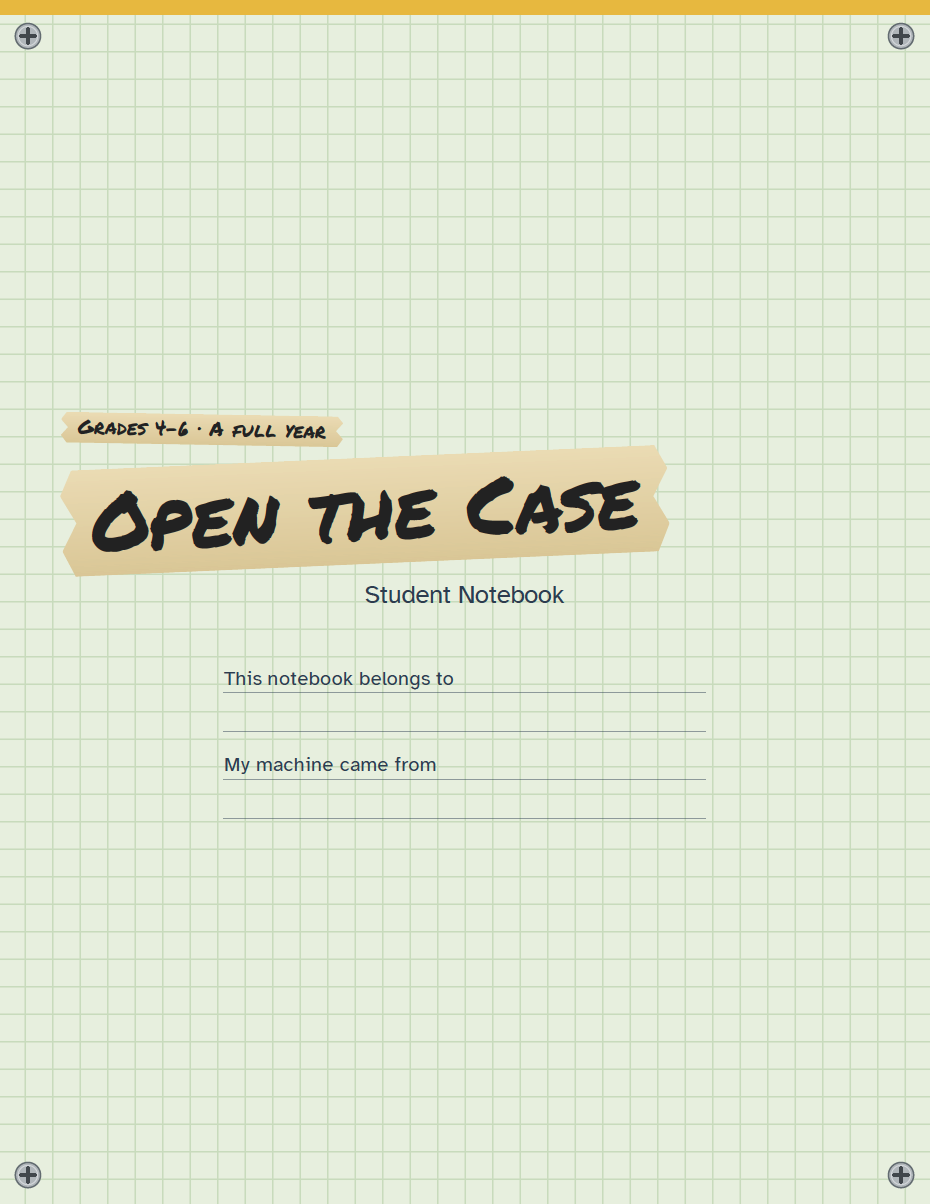 Image 2 of 2
Teacher Guide + Student Notebook · Print-at-home PDF · Family license
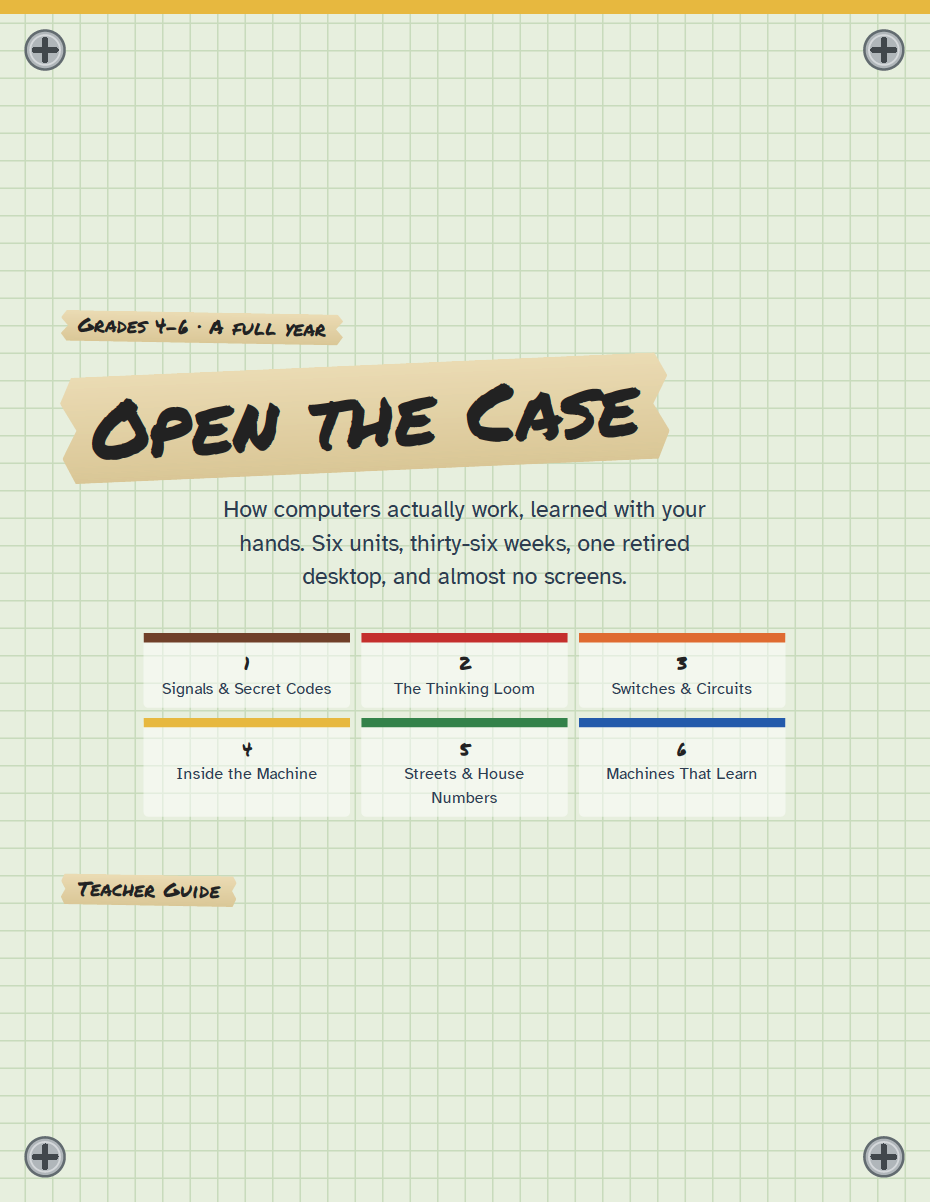
A year of taking real machines apart at the kitchen table, then putting them back together, until your kid can tell you what every part inside does and why. Not a coding app, and not a textbook about computers.
Six units, six weeks each, three days a week. Day one is a story and a narration. Day two is a lab: flashlights and Morse code, a paper loom run by punched cards, batteries and switches, a retired desktop with the case off, a human internet acted out across the living room, and a classmate trained to sort cards the way a machine learns. Day three is the notebook. Every sixth week, the kids teach the parents.
You don't need to know tech to teach this. I've spent 17 years in IT and I homeschool, so every lesson tells you what to say, what to ask, and what "good" looks like. If you can read a picture book aloud and hand a kid a screwdriver, you can run this.
Screens show up once all year, for a few minutes, after the kids can already explain what's about to happen.
What's in the download
Teacher Guide (71 pages): all 108 lessons, reference charts for Morse, binary, circuits, ports, and networks, the book list with what to say if a book doesn't come in, a whole-year gather list, and a glossary in kid definitions
Student Notebook (37 pages): one page per week, reprintable for every kid in your house
Free updates for life. When something changes, you get the new file by email.
What you'll need: index cards, tape, a flashlight, beads, one beginner circuit kit, and a dead desktop computer, which you can usually get free. Books are listed up front and most are at the library.
License: one family. Print as many copies as your own kids need. Co-ops and group classes, email me for a group license.
Try before you buy: email me!
Teacher Guide + Student Notebook · Print-at-home PDF · Family license
A year of taking real machines apart at the kitchen table, then putting them back together, until your kid can tell you what every part inside does and why. Not a coding app, and not a textbook about computers.
Six units, six weeks each, three days a week. Day one is a story and a narration. Day two is a lab: flashlights and Morse code, a paper loom run by punched cards, batteries and switches, a retired desktop with the case off, a human internet acted out across the living room, and a classmate trained to sort cards the way a machine learns. Day three is the notebook. Every sixth week, the kids teach the parents.
You don't need to know tech to teach this. I've spent 17 years in IT and I homeschool, so every lesson tells you what to say, what to ask, and what "good" looks like. If you can read a picture book aloud and hand a kid a screwdriver, you can run this.
Screens show up once all year, for a few minutes, after the kids can already explain what's about to happen.
What's in the download
Teacher Guide (71 pages): all 108 lessons, reference charts for Morse, binary, circuits, ports, and networks, the book list with what to say if a book doesn't come in, a whole-year gather list, and a glossary in kid definitions
Student Notebook (37 pages): one page per week, reprintable for every kid in your house
Free updates for life. When something changes, you get the new file by email.
What you'll need: index cards, tape, a flashlight, beads, one beginner circuit kit, and a dead desktop computer, which you can usually get free. Books are listed up front and most are at the library.
License: one family. Print as many copies as your own kids need. Co-ops and group classes, email me for a group license.
Try before you buy: email me!